
Marketing isn’t just about what we see right in front of us. We’re used to editing copy, scrutinising imagery, and focusing on the user journey. But, while those are all important elements, a huge part of a website’s performance is determined by what goes on in the background - which isn’t all down to developers.
One important factor that determines where your page ranks, how often users click through, and even whether things display properly on different size screens, is meta tags. So, if you’re new to digital marketing or you know the basics but want to gain a better understanding, here’s a quick guide on all things meta tags.
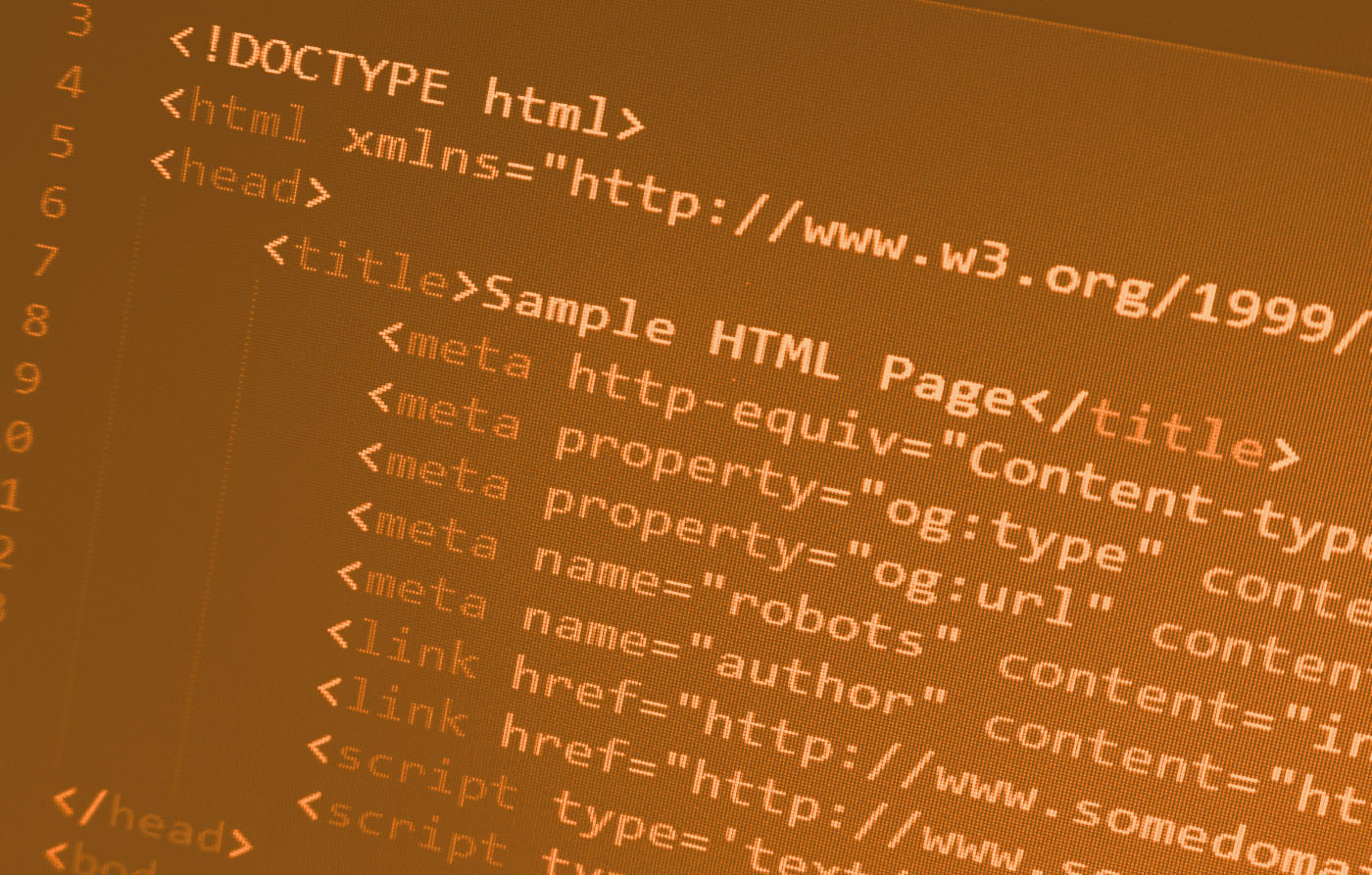
Meta tags are snippets of text found in a page's source code. They don’t appear on the page itself, but they act as a way of communicating things between your website and the machines that read it, i.e. search engines and web browsers.
There are a number of types of meta tags. These are the ones most marketers are familiar with because they directly impact traffic and SEO:
This is the headline of the page as far as Google is concerned. It is the blue clickable text you see in search results and the text displayed in the tab of your web browser. From an SEO perspective, this is very important because it is one of the primary ways search engines determine the topic of your page. A confirmed ranking factor with a known impact - if your title is vague, you could struggle to rank.
It is important to note that since 2021, Google has been more actively rewriting title tags if it believes the title to be unclear, low quality, or a poor representation of the page. It uses other page signals to generate a more helpful title for users. So keeping your title clear and relevant is crucial for avoiding a rewrite.
Sitting just below the title in the search results, the meta description is a short summary of the page. These are important because recent leaks suggest that Google uses systems such as NavBoost that incorporate user interaction signals (like clicks) in some ranking or re-ranking processes. So while meta descriptions aren’t a direct tracking factor, they are essential for click-through rates (CTR) which may have an indirect impact on performance, just through user engagement rather than traditional ranking signals.
A well-written description also acts as ad copy, convincing the user to choose your link over a competitor's. If you leave this blank, Google will pull random text from your page, which rarely looks professional and isn’t always the best choice for converting impressions into clicks. Although like title tags, Google rewrites meta descriptions fairly often.
This tag gives instructions to search engine crawlers. By default, Google assumes it can index everything it finds, but you don’t always want this. For example, you might have a ‘Thank You’ page that users only see after downloading a PDF. If Google indexes that page and it appears in the search results, users could download the asset for free.
Using a robots tag with a value of noindex tells Google to ignore that specific page so it won’t appear in the search results.
You should also be aware of conflicts between meta robots directives such as noindex and crawl directives in your robots.txt file. For example, if a page is disallowed via robots.txt, search engines may not be able to crawl it, and therefore may not see or apply a noindex directive on the page.
You may have come across ‘meta keywords’ before, likely on an older guide. In the early days of the web, you could stuff this tag with relevant words to boost rankings. However, Google stopped using this tag years ago due to spam, so including it now provides no value and will just clutter up your site’s code.
Some meta tags are less about messaging and more about ensuring the browser renders your design correctly. These tags are usually implemented by developers, but it’s important that you understand these tags as you will need to verify them because they directly impact user experience and bounce rates.
This is important for modern web design. The viewport tag tells the browser how to scale the page to fit different screen sizes. For example, without it, a smartphone could try to render the desktop version of a site, making the text tiny and unreadable. Then, the user would need to pinch-and-zoom to read everything. Since Google prioritises mobile-first indexing, not using this tag could hurt your organic rankings.
You will usually see this at the very top of the code, and it will look something like charset="UTF-8". It may seem minor, but it defines the character encoding for the webpage. If this is missing or incorrect, browsers could display your text incorrectly, replacing special characters or currency symbols with question marks or random boxes, which never looks good.
As marketers, it’s easy to separate yourself from these tasks as code feels as though it’s purely for developers. This is of course true in some cases, but meta tags are a joint effort.
A developer should make sure the tags are present and technically sound, but they shouldn't be the ones deciding what your title tag says, or which pages should be hidden from Google via the robots tag. That is a decision for marketing to make.
If you’d like expert guidance on meta tags, don’t hesitate to get in touch with us today! We can help ensure your meta tags say the right things, are in the right places, and are maximising the performance of your website.
.jpg)


